Knowledge BaseDirectAdmin hostingSigning in to DirectAdmin
Signing in to DirectAdmin
DirectAdmin hosting
25/10/2026
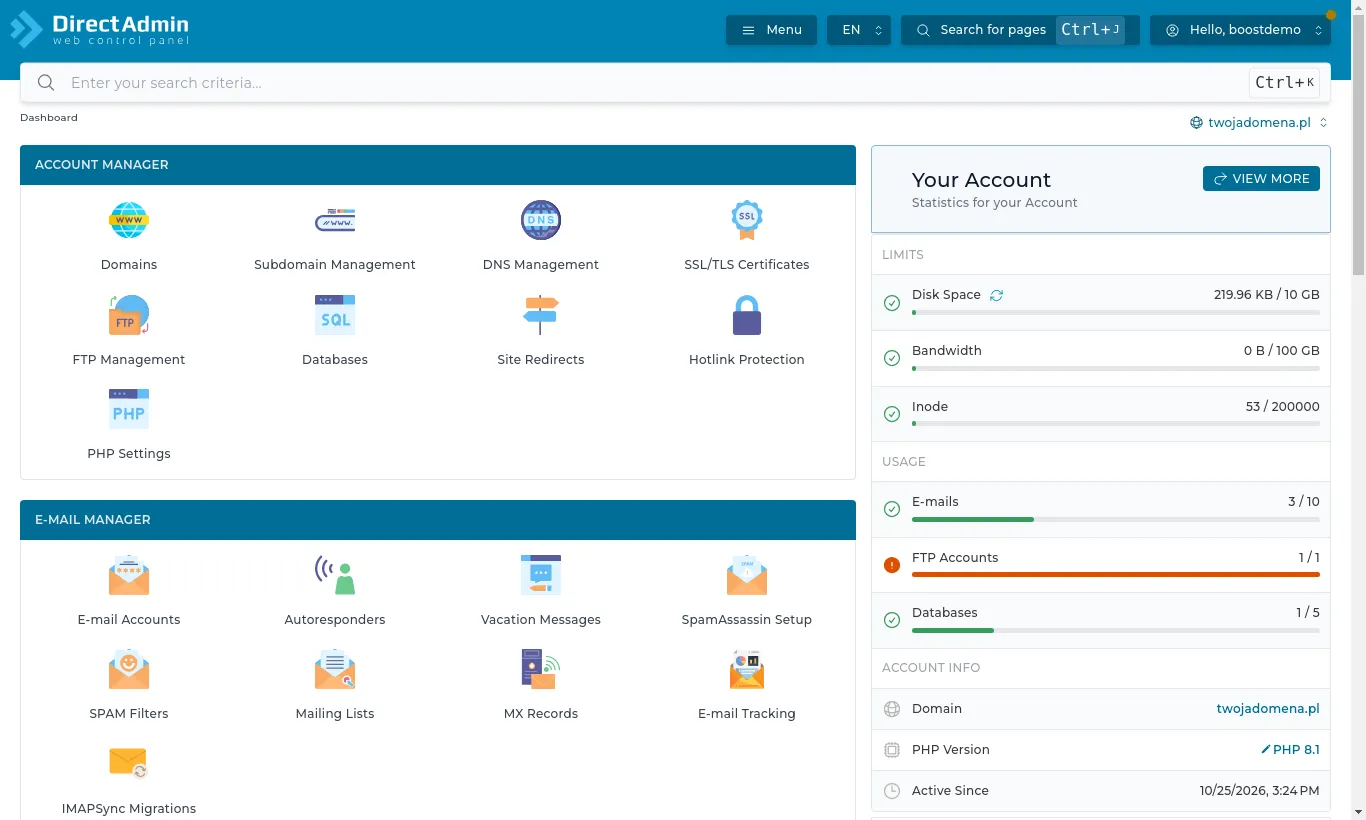
Your hosting is managed in the DirectAdmin panel. The easiest way in is from the client area:
Open Services and choose your hosting.
Press Login to Control Panel. DirectAdmin opens straight away, no password needed.
You can also sign in directly. The server address (e.g. zeus.boost.pl) and your username are on the service page under Server information. Open the server address with port 2222 in your browser, e.g. https://zeus.boost.pl:2222, and sign in with your hosting username and password.
The DirectAdmin dashboard: tools grouped into sections on the left, your plan's limits and usage on the right
Panel language
DirectAdmin speaks several languages. Press the language button (e.g. PL) in the top bar and pick English; the panel remembers your choice.