Mailboxes on your domain (e.g. office@yourdomain.com) are created in DirectAdmin:
Open E-mail Manager → E-mail Accounts.
Press Create Account.
Enter the mailbox name (the part before @), a password and a quota. Leave the send limit at its default.
Press Create.
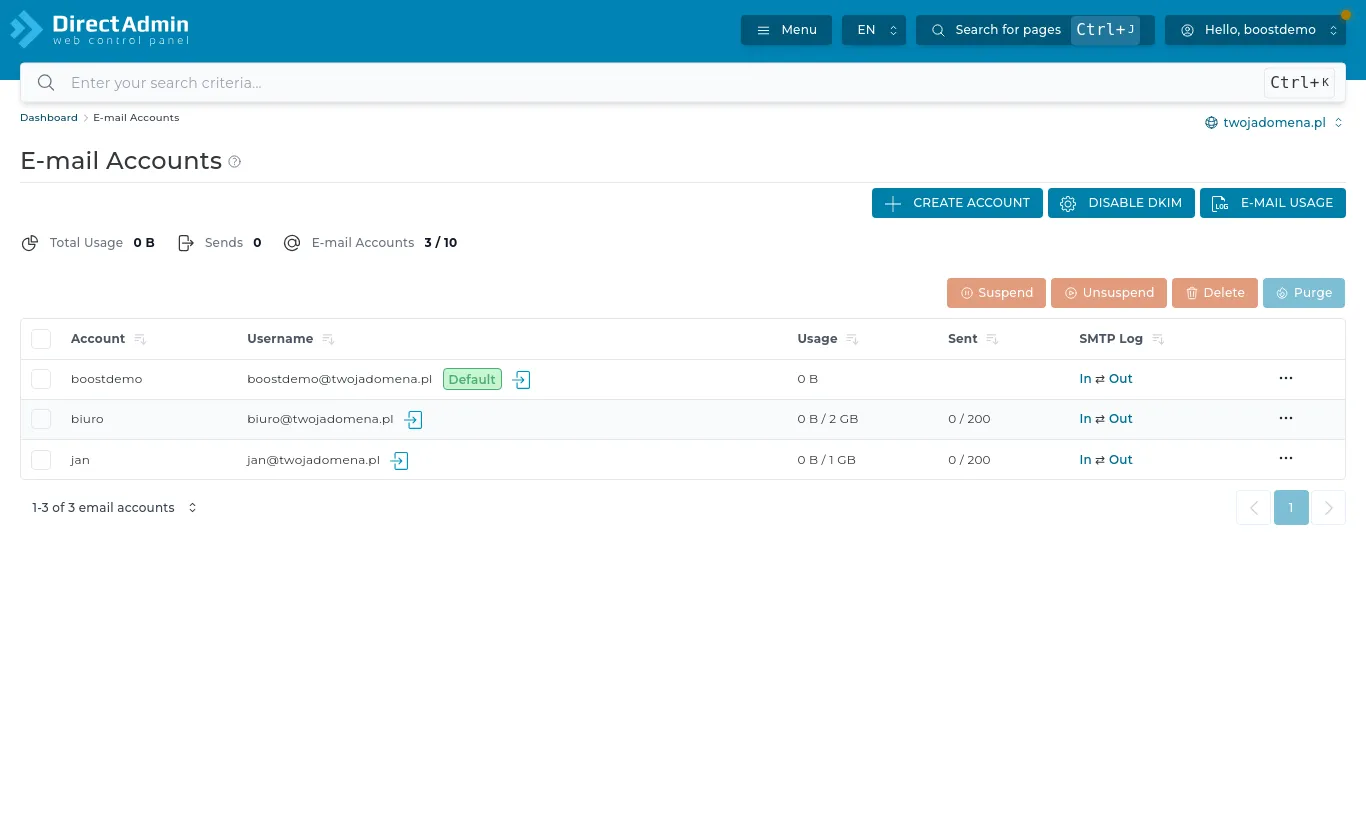
E-mail Accounts: each mailbox with its usage and messages sent today
The list shows each mailbox, its usage and how many messages it sent today. The menu next to a mailbox changes its password or quota, or deletes it.
The number of mailboxes depends on your plan, and their contents count towards your hosting's disk space. A full mailbox rejects new mail, so set sensible quotas and clear out old attachments now and then.
Webmail
Read your mail without installing anything: Extra Features → Webmail: Roundcube, or go to https://yourdomain.com/roundcube. Sign in with the full email address and the mailbox password.
To set up a mail program or a phone, see the next article.