Knowledge BaseDirectAdmin hostingDNS management in DirectAdmin
DNS management in DirectAdmin
DirectAdmin hosting
25/10/2026
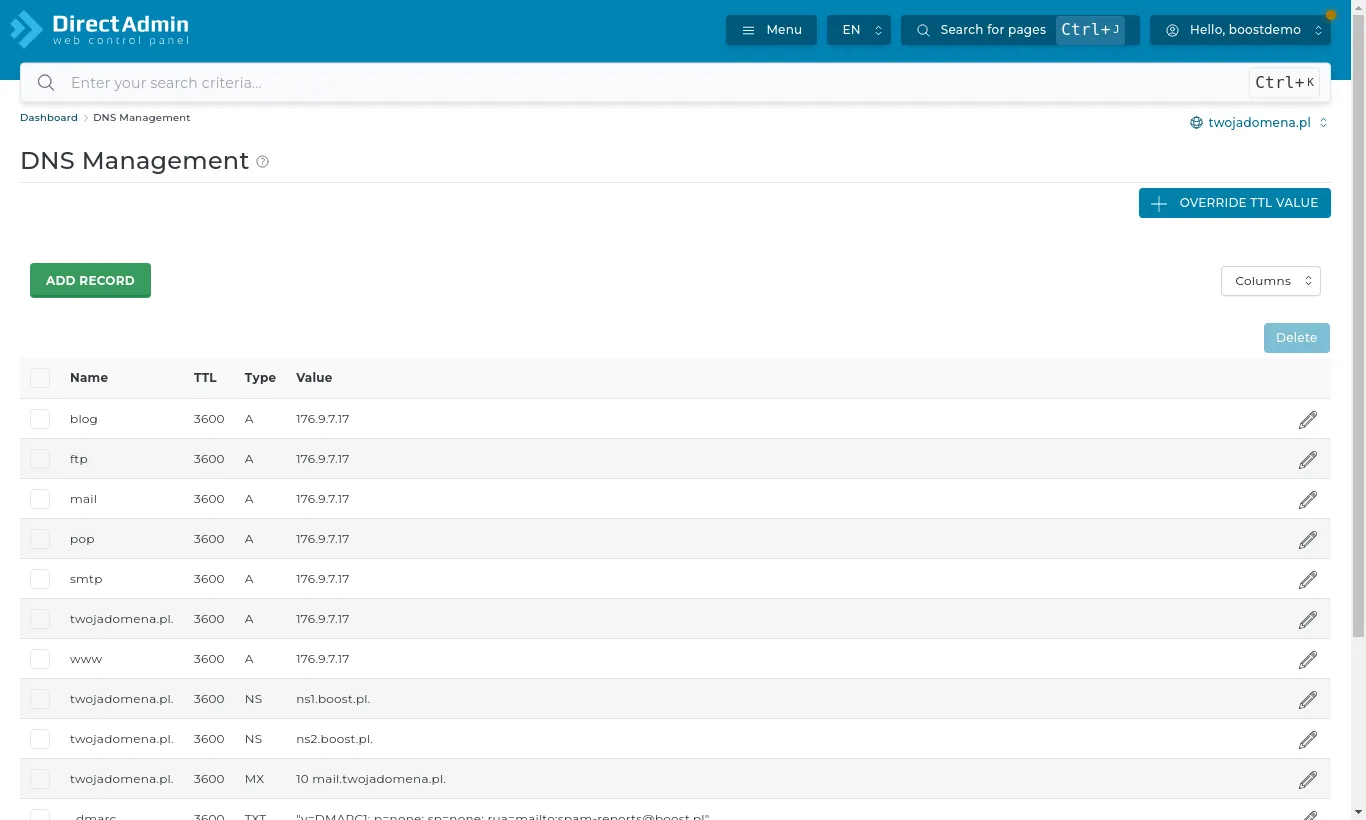
If your domain uses our nameservers (ns1.boost.pl and ns2.boost.pl), its records are edited under Account Manager → DNS Management. A new hosting account's zone is ready to go: A records point the domain, www, ftp and mail at our server, and the MX record routes your email.
DNS Management: the domain's records
Add Record adds one. The ones you will need most:
A - points a name at an IP address, e.g. shop → 1.2.3.4.
CNAME - points a name at another name, e.g. www → yourdomain.com.
MX - names the mail server. Change it only if someone else handles your mail (e.g. Google Workspace or Microsoft 365).
TXT - verifications (Google, Microsoft, Facebook) and SPF, DKIM and DMARC for email.
A few rules:
A name without a trailing dot is part of your domain: shop creates shop.yourdomain.com.
Do not delete records you do not understand - especially MX, TXT records with SPF/DKIM and the mail records.
Changes usually take effect within minutes but can take up to a few hours.
If the domain uses another provider's nameservers (e.g. Cloudflare), make changes there - editing in DirectAdmin then has no effect.