Subdomains and additional domains
Subdomains
A subdomain is an address like blog.yourdomain.com. Add one under Account Manager → Subdomain Management with Add Subdomain. Enter only the first part (e.g. blog).
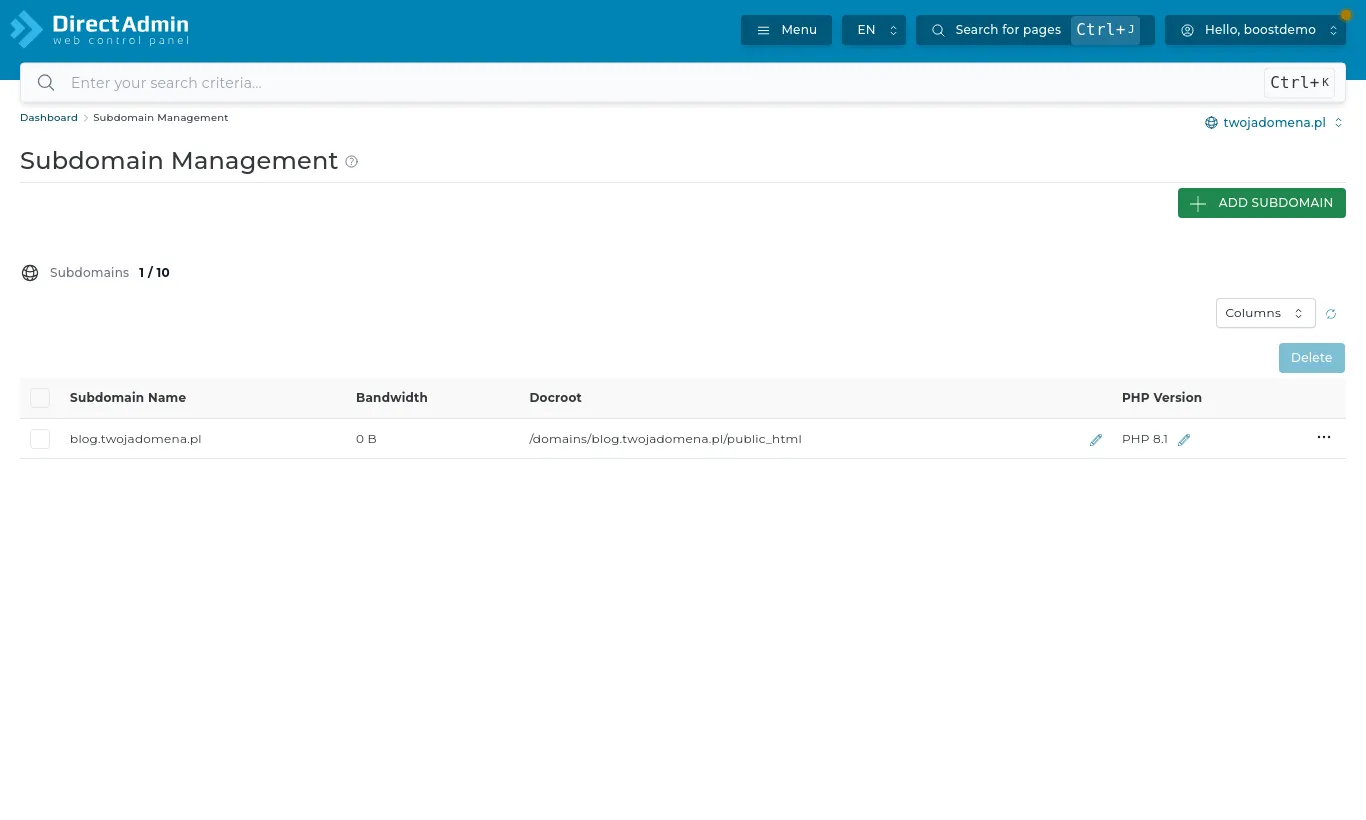
The subdomain's files live in the main domain's public_html/blog folder. Its DNS record is created automatically, and an SSL certificate is issued on the next renewal run (or straight away if you request one).
Additional domains
If your plan allows it, one hosting account can run several separate websites. Open Account Manager → Domains and press Add New. Each added domain gets its own domains/domain-name/public_html folder, its own mailboxes and its own DNS zone.
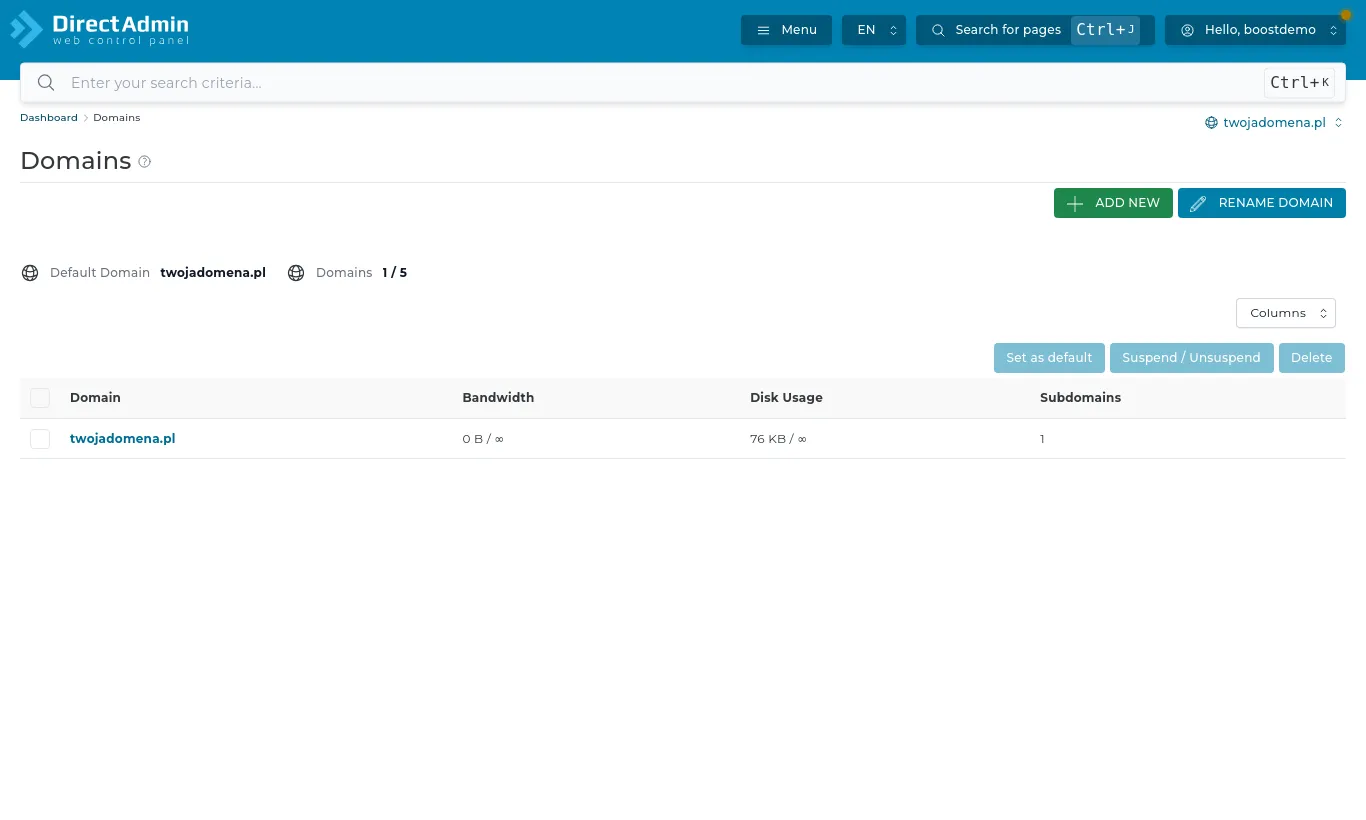
For a new domain to work it must point to our server - the simplest way is to set its nameservers to ns1.boost.pl and ns2.boost.pl. The domain limit is shown on the DirectAdmin dashboard.