Knowledge BaseDirectAdmin hostingSpam filters and autoresponders
Spam filters and autoresponders
DirectAdmin hosting
25/10/2026
Spam protection
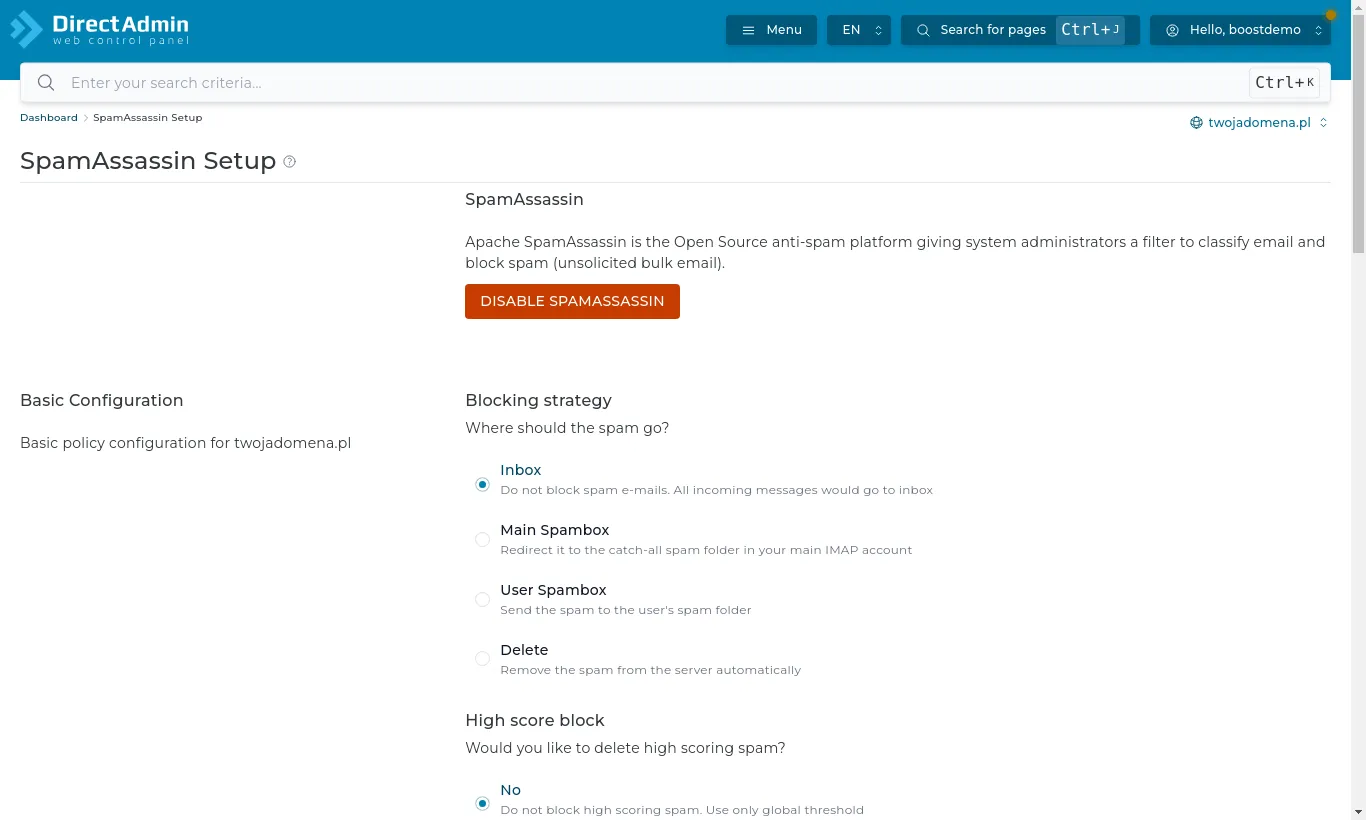
Incoming mail is checked by SpamAssassin. Its settings are under E-mail Manager → SpamAssassin Setup.
SpamAssassin Setup: what to do with messages marked as spam
The key choice is the blocking strategy:
Inbox - spam lands in the inbox, marked in the subject. Nothing is lost.
Spam folder - suspicious messages go to a separate folder you see in your mail program and in Roundcube. The most convenient option.
Delete - spam is deleted on arrival. Choose with care: a filter now and then misjudges an important message.
SPAM Filters additionally block particular senders, domains or words.
Autoresponders and vacation messages
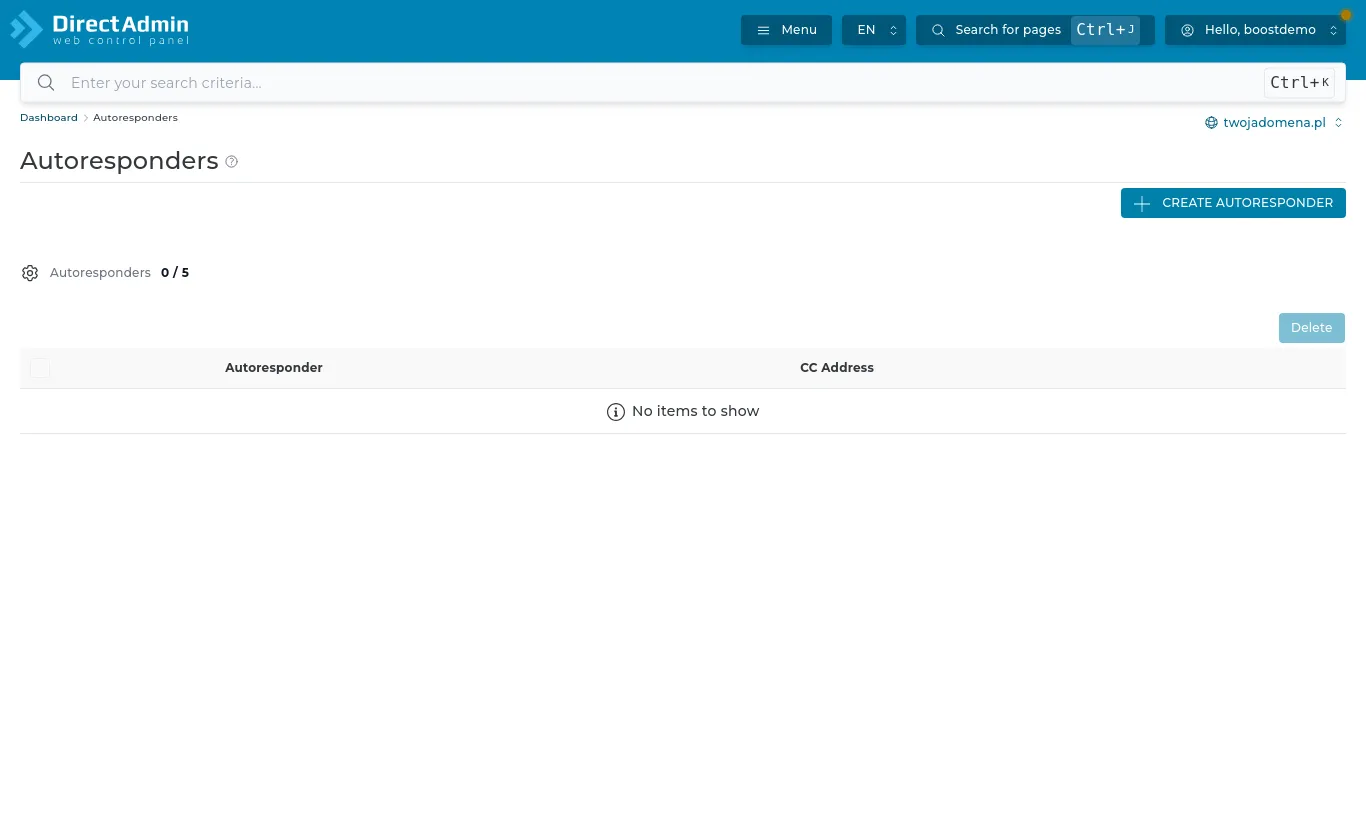
Autoresponders reply automatically to every message sent to an address (e.g. "Thanks, we will reply within 24 hours"). Vacation Messages do the same, but only for a period you set - give a start and end date and the reply switches itself off after your holiday.