If something goes wrong - deleted files, an overwritten database, an infected site - open a ticket saying what needs restoring and from which day. We will check which backups are available. The sooner you ask, the more there is to choose from.
Your own backup in DirectAdmin
Before big changes (a shop update, moving a site) make your own backup:
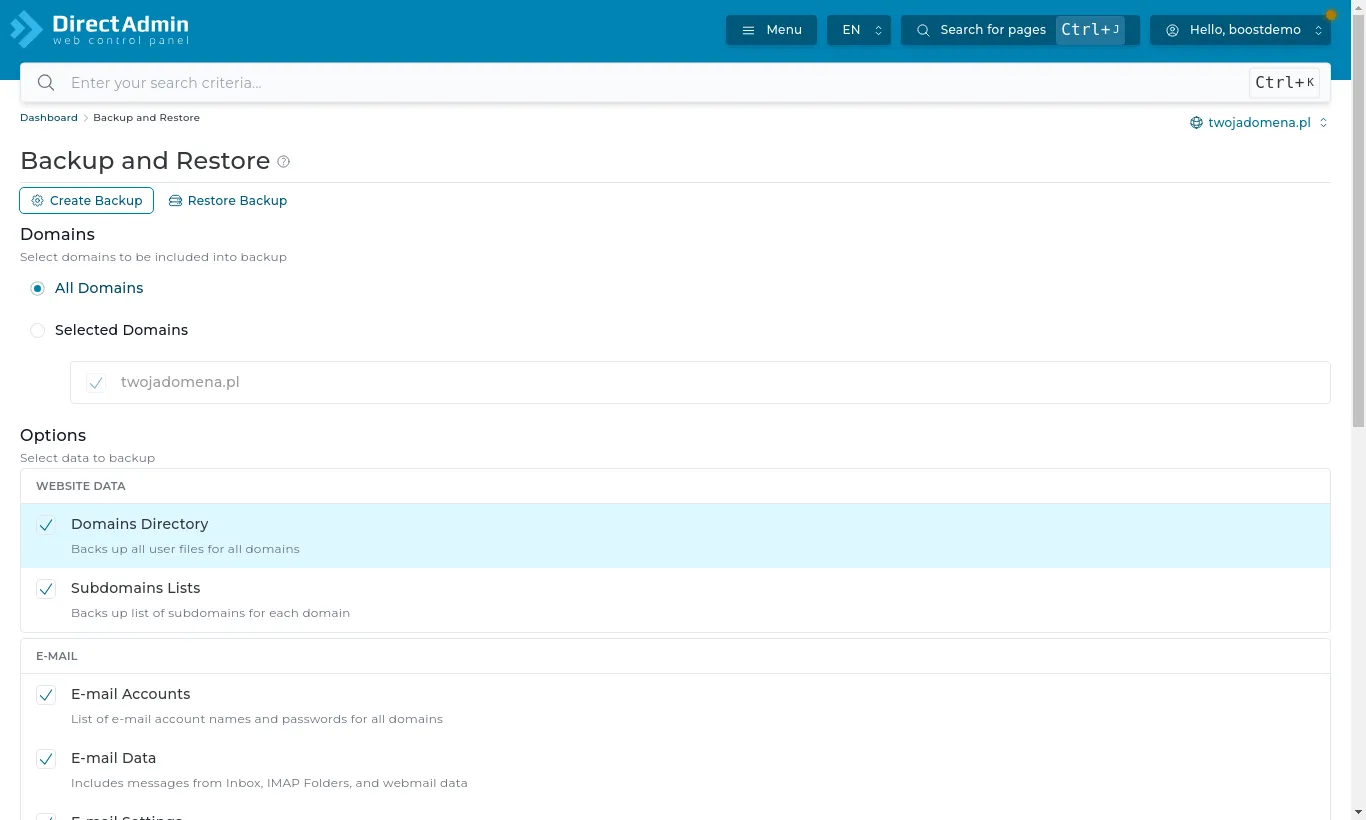
Open Advanced Features → Backup and Restore.
Choose the domains and what to include: website files, email, databases.
Press Create Backup. DirectAdmin sends you a message when it is ready.
Backup and Restore: choosing domains and items
The file appears in the backups folder in the File Manager. Download it to your computer - a backup kept on the same account takes up disk space and does not protect you if the whole account is lost.
The Restore Backup tab brings chosen items back from a backup file. Restoring overwrites current data, so pick only what you really need.
For a single WordPress site, WordPress Manager by Softaculous backs up one install with one click.