Knowledge BaseDirectAdmin hostingFTP accounts and connecting with an FTP program
FTP accounts and connecting with an FTP program
DirectAdmin hosting
25/10/2026
FTP lets you upload files with a program on your computer, such as FileZilla or WinSCP.
Connection details
Host: the server address from Server information on the service page, e.g. zeus.boost.pl (or your domain once it points to our server).
Port: 21.
Encryption: "Require explicit FTP over TLS" (explicit FTPS). Do not connect over plain, unencrypted FTP.
Username and password: the FTP account's details.
The main FTP account has the same name and password as your hosting account and sees your whole home folder. After connecting go to domains/yourdomain.com/public_html - that is where the site lives.
Extra FTP accounts
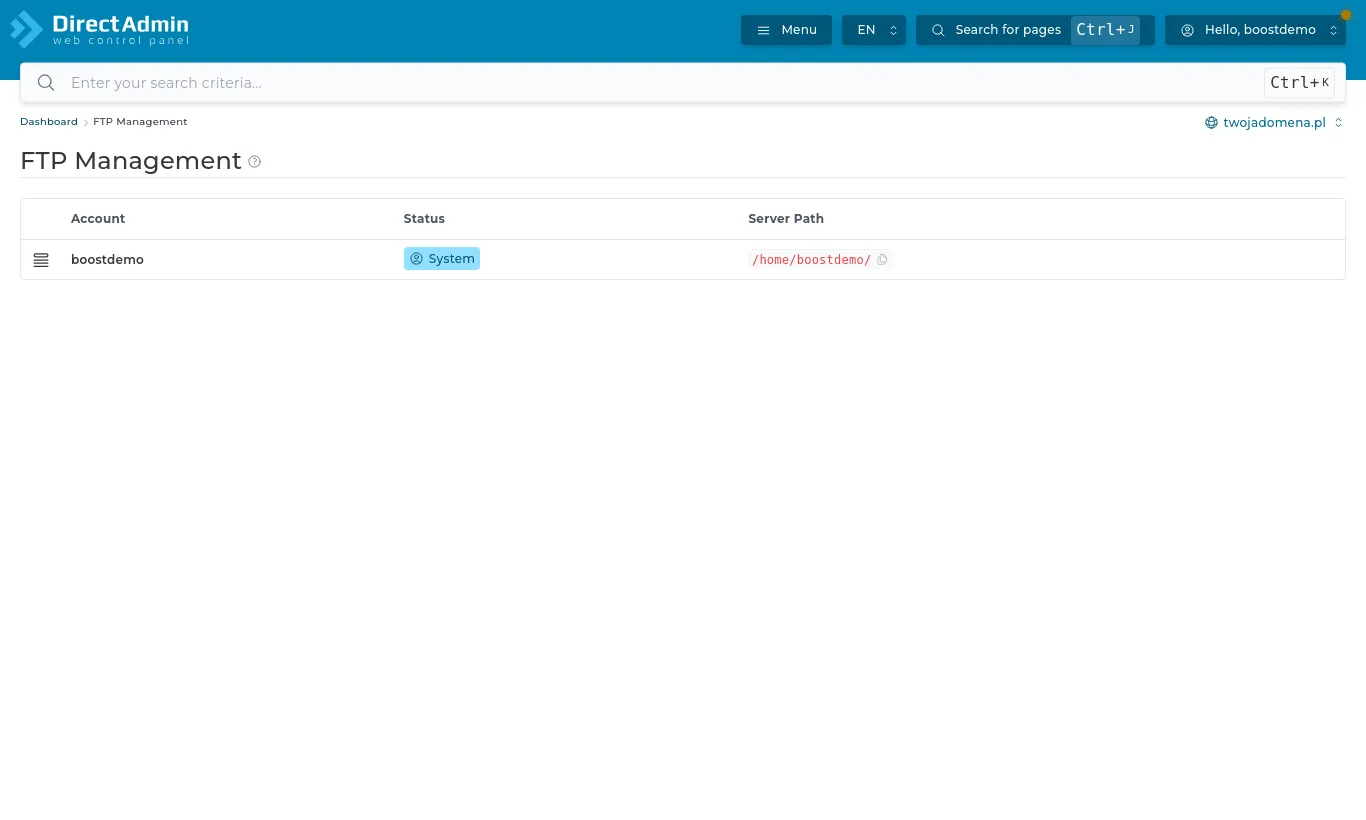
Open Account Manager → FTP Management. Create FTP Account adds one, for example for a developer, limited to a chosen folder. Such accounts are named name@yourdomain.com.
FTP Management - the list of accounts
The number of FTP accounts depends on your plan; the limit and usage are on the DirectAdmin dashboard. If you need more, consider a plan change.