The DirectAdmin panel has its own password, separate from the client area. Protect it just as carefully.
Two-step authentication
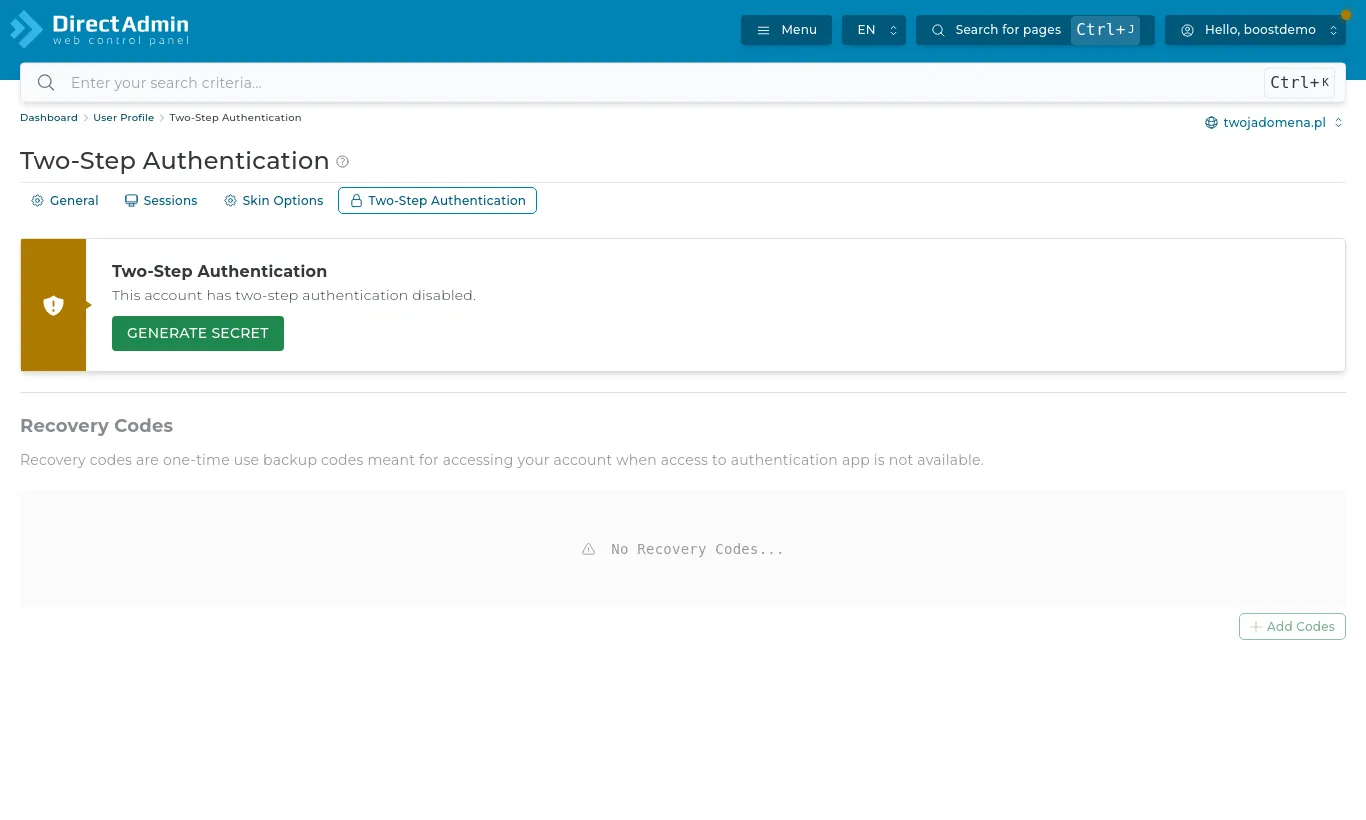
Open Advanced Features → Two-Step Authentication.
Press Generate Secret and scan the QR code with an authenticator app (Google Authenticator, Microsoft Authenticator, 2FAS).
Enter the code from the app and turn verification on.
Generate recovery codes and keep them somewhere safe. They let you in if you lose your phone.
Two-Step Authentication in DirectAdmin
Signing in with Login to Control Panel from the client area still works without a code - so turn on two-factor authentication in the client area too (Account → Security).
Your DirectAdmin password
Change it in DirectAdmin from the user menu (top right). Do not reuse the password of your mailboxes or WordPress.
Login keys
Advanced Features → Login Keys creates separate keys, e.g. for a developer or a tool, with limited permissions and an expiry date. Safer than handing over your password.