Knowledge BaseDirectAdmin hostingResource usage and hosting limits
Resource usage and hosting limits
DirectAdmin hosting
25/10/2026
Every plan has limits: disk space, bandwidth, number of files (inodes), mailboxes, FTP accounts and databases, plus CPU power and memory for your site.
In the client area
Your service's page (Services → your hosting) shows current usage and charts of CPU, memory and disk activity over the last day, week or month. The quickest way to see whether your site is hitting its limits.
In DirectAdmin
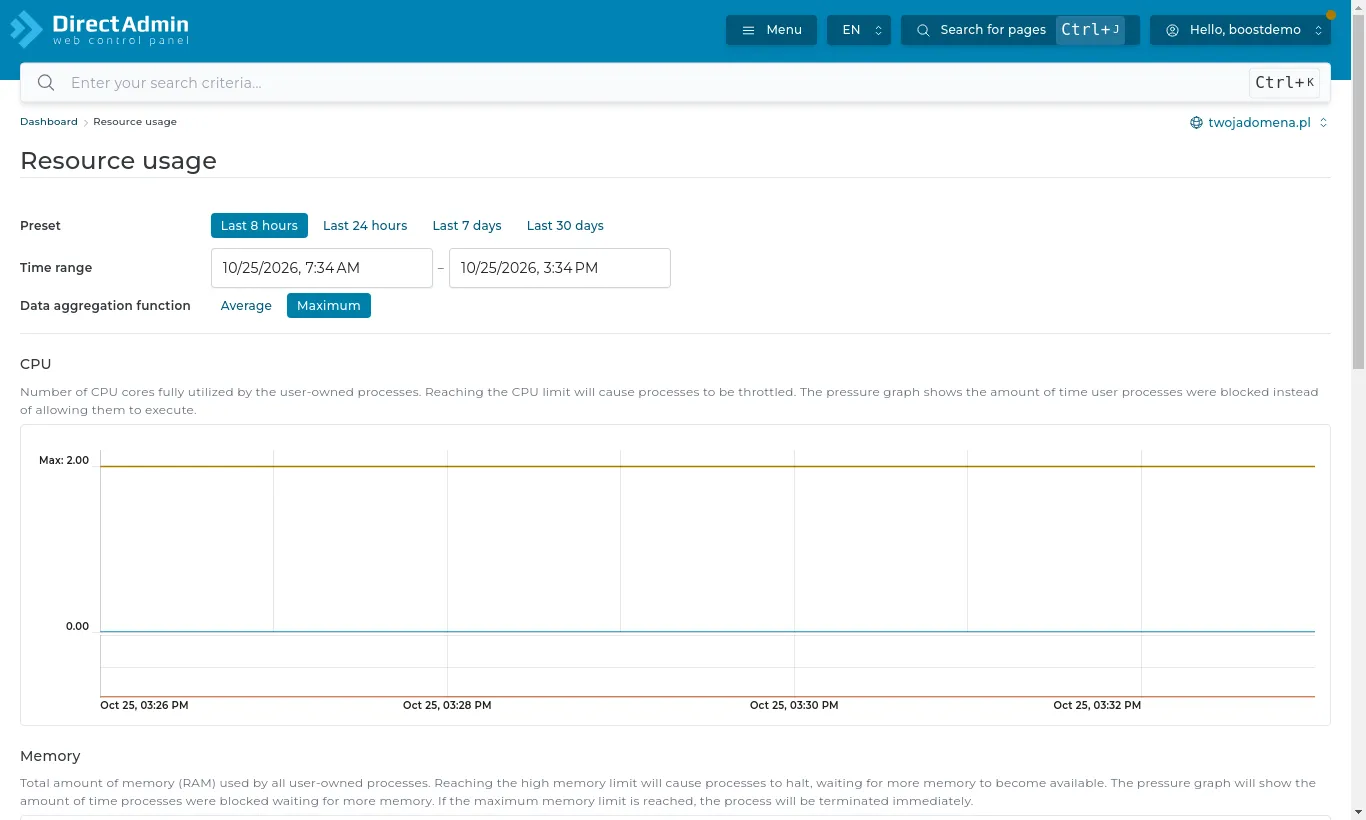
The dashboard shows your plan's limits and usage. Detailed charts are under System Info & Files → Resource Usage.
Resource Usage in DirectAdmin
When resources run short
Disk full - delete old backups from the backups folder, clear large mailboxes and apps' temporary files.
The site slows down and CPU sits at the limit - usually plugins, bots or no caching. A cache plugin helps (for WordPress on our LiteSpeed server: LiteSpeed Cache).
Always short of space or power - move to a bigger plan: Services → your hosting → Upgrade / Downgrade. Your data stays put.